Ask a PMO lead running a dozen projects in parallel where a decision from three months ago is recorded, and you will usually get a pause. The plan is in Jira. The discussion is in a Loom recording. The final call sits on a Confluence page nobody labeled.
With three or four projects, a good PM keeps that context in their head. Past ten, nobody can. Status reports turn into a weekly scavenger hunt, and the reasoning behind key choices leaves the company when the people who made them do.
This article walks through a setup for PMO teams on Atlassian Teamwork Collection (TWC): a Portfolio Hub in Confluence, a decision log that new team members can actually use, and Rovo as the layer that answers questions across all of it. For the bigger picture of TWC, read Teamwork Collection: Power the era of human-AI collaboration.
Why portfolios break down at around ten projects
Two problems tend to show up together.
Fragmented context. Picture a digital transformation program at a bank with 12 sub-projects. The board asks why the e-wallet project changed its authentication design last quarter. The answer exists, but it is spread across a Jira ticket, a Loom recording and two Confluence pages. Pulling it together costs the PMO a day, and the same thing happens every reporting cycle.
Knowledge that walks out the door. When a senior architect or tech lead leaves, the tickets stay, but the reasoning often goes with them. The next person sees what was built, not why. That is how teams end up reopening decisions that were settled months ago.
Adding another tool will not fix either problem on its own. What fixes them is agreeing where each kind of information lives, then making it easy to find.
Step 1: Set up a Portfolio Hub in Confluence
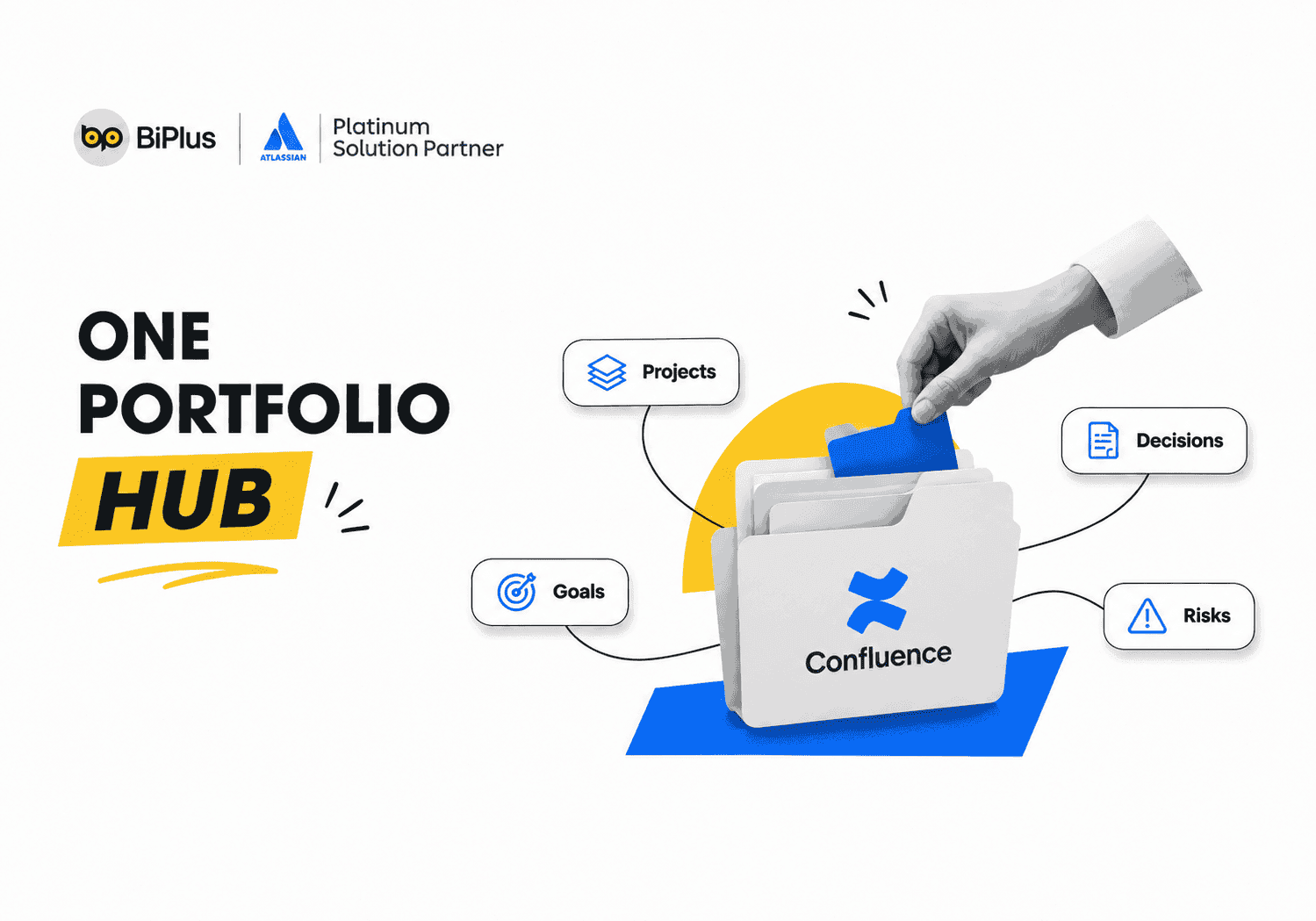
A Portfolio Hub is a Confluence space with a fixed structure that every project follows. It is the single entry point for anyone asking "What is happening, and why?"
A structure that works for most portfolios:
Portfolio Hub (Confluence space)
├─ Portfolio overview      Jira charts, status by project, linked Goals, top risks
├─ Projects
│   └─ <Project name>      brief, scope, roles (RACI), Loom walkthroughs, link to Jira board
├─ Decision log            one page per decision, labeled by project and domain
└─ Risk & change register  open risks, change requests, owners
Three rules keep it working:
One template for every project page. The PMO owns the template and PMs fill it in. Same sections, same order, so anyone moving between projects knows where to look.
Live data, not copied data. Embed Jira charts and issue lists on the overview and project pages instead of pasting screenshots into slides. The numbers stay current on their own.
Short videos for context. A three-minute Loom walking through a business flow, such as a QR payment module, saves stakeholders from reading 20 pages of specs. Embed it on the project page, next to the Jira board it explains.
For portfolio-level reporting, connect each project to the business goal it serves using Atlassian Goals, one of the platform apps included in TWC. Leadership then sees progress grouped by goal rather than by ticket.
Step 2: Use a decision matrix to choose, and a decision log to remember
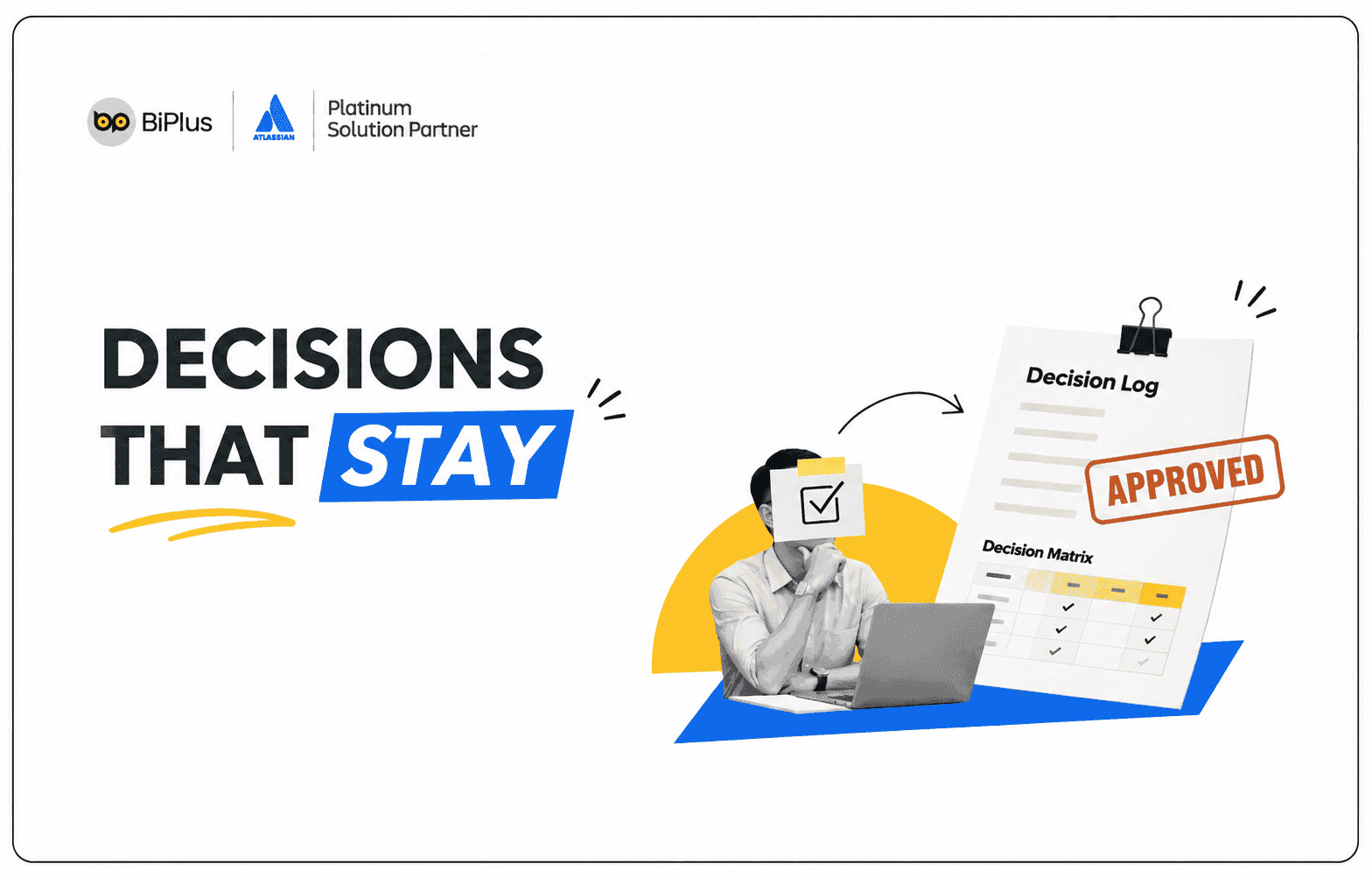
These two get mixed up often, and they do different jobs.
A decision matrix helps you choose. Options go in rows and criteria such as cost, security, time to market and compliance go in columns, each with a weight. Every cell gets a score, and the weighted total shows which option comes out ahead. You use it before the decision.
A decision log records what you chose: what was decided, which options were considered, who approved it and why. You use it for years afterwards.
Confluence's DACI decision template (Driver, Approver, Contributors, Informed) covers both. The options table on the page can serve as the matrix: add a weighted score for each criterion. The page itself becomes the log entry.
Here is where it pays off. A new tech lead joins mid-project and wants to replace the database because it looks suboptimal. The decision log shows the choice was made four months earlier, driven by the bank's data residency requirements and an infrastructure cost estimate, and approved by the CTO. The conversation takes ten minutes instead of turning into two weeks of rework. If the constraint has since changed, the team writes a new entry that supersedes the old one. Either way, the audit trail stays intact.
Two habits make the log stick:
- Make "decision log updated" an exit criterion at every phase gate, not an optional extra.
- Label each entry by project and by domain (architecture, security, vendor, budget), so decisions can be searched across the whole portfolio.
Step 3: Use Rovo to answer questions across the portfolio
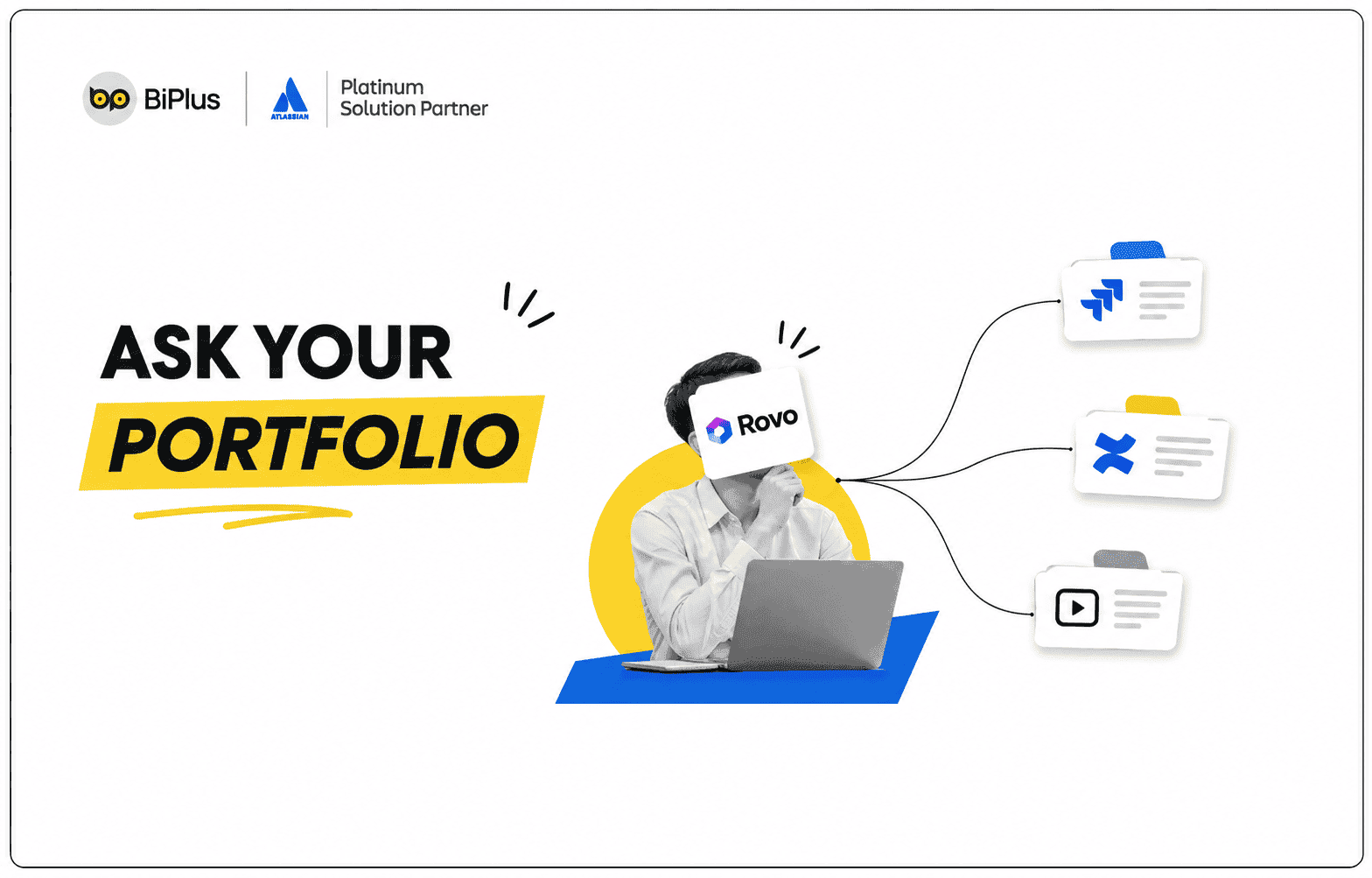
Structure makes information findable. With ten or more projects, there is still too much of it to read. Rovo is the AI layer in TWC that searches across Jira, Confluence and Loom (including video transcripts), plus connected tools such as Google Drive and Slack.
Three PMO use cases:
Board prep in minutes, not hours. Ask Rovo: "Summarize staffing risks for all projects marked At Risk, and list the mitigation actions discussed in last week's Loom updates." Rovo pulls from status pages, Jira issues and Loom transcripts, and links each point to its source so you can check it before it goes on a slide.
Consistency checks across projects. Ask: "Compare the database and authentication decisions logged for the e-wallet and core banking projects this quarter and flag any that conflict." Every PMO should run this review regularly, and few have the time to do it by hand. With a labeled decision log, it becomes a single question.
Agents for routine work. Rovo agents can run inside Jira automation rules. For example, when an epic moves to Done, an agent reviews the project page and decision log and adds a comment reminding the PM if either looks out of date. Another agent can draft the weekly status summary for the PM to review and send.
Rovo follows existing permissions: people only get answers from content they can already open. For portfolios that include confidential projects, this matters.
One caveat: Rovo's answers are only as good as the content behind them. That is why the hub and the decision log come first.
FAQ
Can Rovo search content outside Atlassian?
Yes. Through connectors, Rovo can index sources such as Google Drive, Slack and Microsoft Teams. An admin sets up each connector, and Rovo mirrors the access rules of the source system.
What is the difference between RACI and DACI?
RACI (Responsible, Accountable, Consulted, Informed) maps who does the work on a project. DACI maps who makes a specific decision: one Driver runs the process, one Approver makes the call, Contributors give input, and Informed stakeholders hear the outcome. Use RACI on project pages and DACI in the decision log.
Does a standard hub template restrict project managers?
The template fixes only the core sections the PMO needs for reporting: status, scope, risks and decisions. PMs can add whatever pages and formats their project needs below that.
How should we start without disrupting ongoing projects?
Pilot with two or three active projects. Set up the hub template and decision log, run one reporting cycle with Rovo, adjust, then roll out to the rest of the portfolio.
Where to start
Most PMO teams do not need more tools. They need an agreed home for status, context and decisions, and a fast way to ask questions across all of it. A Portfolio Hub, a disciplined decision log and Rovo on top give you that, using apps your teams may already have through Teamwork Collection.
BiPlus works with PMO teams to design and roll out this setup, from hub structure and templates to Rovo agents and Jira automation.
Planning to bring your portfolio into one place? Talk to the BiPlus team about a pilot on two or three of your projects. Contact us